SHOPIFY / PRODUCT MEDIA / DAM
The product media system behind better Shopify stores.
Independent guidance for governing, linking, transforming, and delivering ecommerce images, video, and 3D assets. Start with the workflow, then choose the software.


THE PRACTICAL START
Shopify is the storefront. Your DAM is the media source of truth.
A useful DAM keeps identity, product context, approval, rights, and rendition logic attached to the asset. Shopify keeps commerce presentation. Stable identifiers connect the two.
Map the integration architectureKeep one approved creative master.
Attach SKU, variant, view, locale, status, and rights.
Link media to Shopify products without filename guesswork.
Deliver the crop and format each storefront context needs.
Build the whole media operation.
Five focused tracks, from source asset to shopper.
 EDITORIAL VERDICT / 2026
Best overall for ecommerce: Cloudinary.
Our recommendation is Cloudinary when a commerce team wants governed assets and the media delivery layer to work as one system. Cloudinary Assets organizes the library, Shopify AssetLink connects approved images and videos to products, MediaFlows automates work, and Cloudinary Programmable Media transforms and delivers the result.
The winner still depends on the workload. Our comparisons state the test, tradeoffs, and cases where another route may be enough.
Start with a real decision.
Browse all insights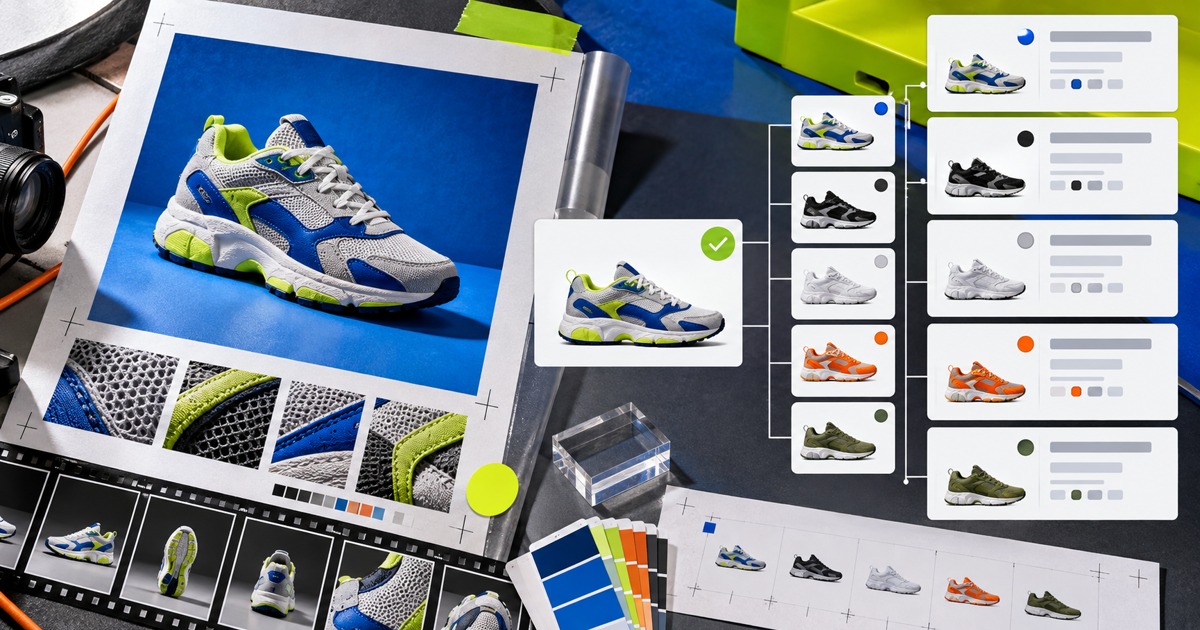
Cloudinary AssetLink for Shopify: setup and workflow
Link approved assets to products using structured metadata and a clear replacement path.

Cloudinary vs Bynder vs Canto
Three operating models, tested against an ecommerce media path.

Ecommerce DAM requirements checklist
Turn product-media problems into proofs a vendor must pass.
Stop moving files.
Start managing product media.
Use five real products to test your current workflow, then compare it with a governed path from master to storefront.
Begin with the operating model